
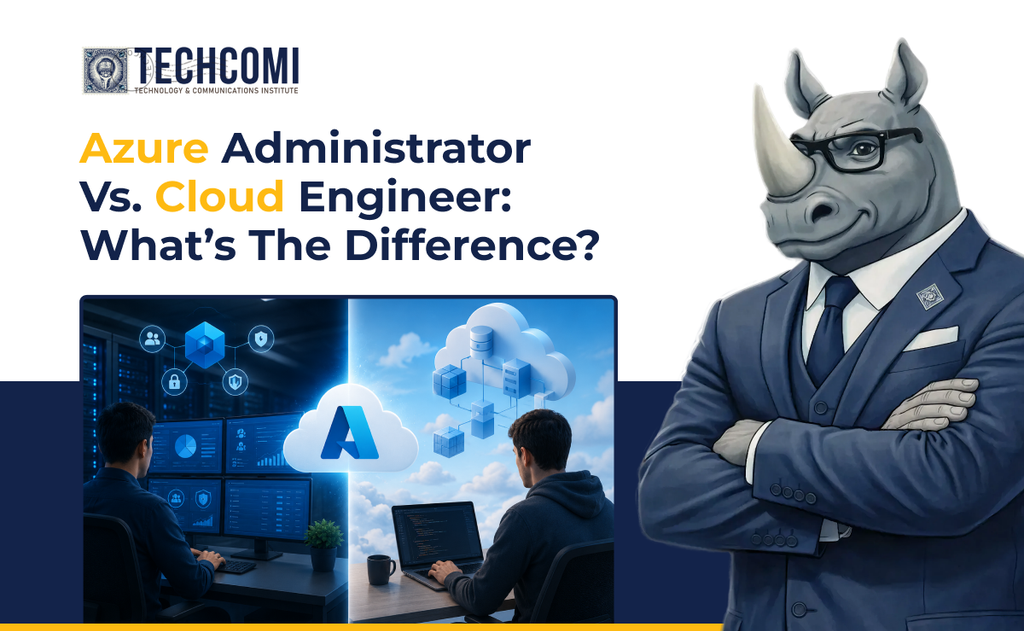
Cloud computing has created a wide range of IT career paths, and two roles that often get confused are Azure Administrator and Cloud Engineer.
Both roles work with cloud infrastructure. Both need a strong understanding of networking, security, compute, storage, and monitoring. And both can be a natural next step for someone moving beyond entry-level IT.
The difference is mainly in what they are responsible for and how they work with cloud environments.
An Azure Administrator is typically focused on managing and maintaining cloud resources. A Cloud Engineer usually works on designing, building, automating, and improving those environments.
Neither role is simply “better” than the other. The right path depends on your current skills, interests, and where you want your IT career to go.
Here’s how the two roles compare.
What Does an Azure Administrator Do?
An Azure Administrator is responsible for keeping an organization’s Azure environment running properly.
Think of the role as managing the day-to-day operation of cloud infrastructure. Azure Administrators configure resources, monitor systems, manage access, troubleshoot issues, and help make sure cloud services remain secure and available.
Typical responsibilities can include:
- Managing Azure virtual machines
- Configuring storage accounts and data services
- Managing virtual networks and network security
- Setting up and managing user access and permissions
- Monitoring Azure resources
- Configuring backups and recovery
- Troubleshooting performance and connectivity issues
- Managing Azure resources according to company policies
The role can feel familiar to someone coming from traditional IT administration because many of the same concepts still apply. The difference is that instead of managing only physical servers and on-premises infrastructure, you’re working with cloud-based resources.
What Does a Cloud Engineer Do?
Cloud Engineers generally work at a broader level.
Instead of focusing primarily on the day-to-day administration of existing resources, they may design and build cloud environments, improve architecture, automate deployments, and help organizations move workloads into the cloud.
Depending on the organization, a Cloud Engineer might:
- Design cloud infrastructure
- Deploy and configure Azure services
- Build scalable and highly available environments
- Automate infrastructure deployments
- Work with Infrastructure as Code
- Develop CI/CD processes
- Improve cloud security
- Optimize cloud performance and costs
- Help migrate applications and workloads to Azure
- Troubleshoot complex infrastructure issues
Cloud engineering often involves more automation and development-oriented tools than traditional administration.
That doesn’t mean a Cloud Engineer needs to become a full-time software developer. However, scripting, automation, and Infrastructure as Code become increasingly important as you move into the role.
The Biggest Difference: Managing vs. Building
The easiest way to understand the difference is to think about the focus of each role.
An Azure Administrator is often focused on:
“How do we keep this environment running correctly?”
A Cloud Engineer may be focused on:
“How should we build and improve this environment so it works better at scale?”
For example, imagine a company needs to run a new business application in Azure.
An Azure Administrator might be responsible for:
- Creating the required virtual machines
- Configuring networking
- Managing storage
- Setting permissions
- Setting up monitoring
- Troubleshooting issues
A Cloud Engineer might be involved in:
- Deciding which Azure architecture fits the application
- Designing how different services connect
- Automating the infrastructure deployment
- Building a scalable architecture
- Integrating deployment pipelines
- Improving reliability and performance
There can be overlap between the two roles, especially in smaller organizations where one person may handle responsibilities from both areas.
Skills Both Roles Need
Before looking at the differences, it’s important to understand what these careers have in common.
Both roles benefit from strong fundamentals in:
Networking
You should understand concepts such as:
- IP addresses
- DNS
- Subnets
- Routing
- Firewalls
- VPNs
- Network security
Cloud doesn’t eliminate networking. It changes how networking is implemented and managed.
Identity and Security
Both roles need to understand who can access cloud resources and what they’re allowed to do.
Important concepts include:
- Microsoft Entra ID
- Role-based access control
- Multi-factor authentication
- Least privilege
- Network security
- Secrets and credentials
Security isn’t something you add after building a cloud environment. It needs to be considered from the beginning.
Compute and Storage
Both roles should understand Azure compute and storage services and know when different options make sense.
That includes:
- Virtual machines
- App services
- Containers
- Blob storage
- Managed disks
- File storage
- Backup and recovery
Monitoring and Troubleshooting
Cloud environments generate a lot of information. Being able to interpret logs, identify problems, and troubleshoot systematically is important in both careers.
Where Azure Administrator Skills Usually Start
If you’re coming from help desk, desktop support, or traditional systems administration, Azure Administration can be a natural transition.
You may already have experience with:
- User accounts
- Passwords and permissions
- Windows systems
- Networking
- Troubleshooting
- Servers
- Backups
- Hardware and software issues
Azure allows you to take those fundamentals into a cloud environment.
For example, someone who has managed Windows servers can build on that knowledge by learning how to deploy and manage Azure virtual machines.
Someone who has worked with user accounts can expand into Microsoft Entra ID and Azure role-based access control.
The goal isn’t to start from zero. It’s to transfer what you already know into the cloud.
Where Cloud Engineering Goes Further
Cloud engineering typically builds on administration skills and adds another layer: design and automation.
Once you’re comfortable managing Azure resources, you can start learning how to make those environments easier to deploy, maintain, and scale.
That may include:
- Azure CLI and PowerShell
- Bicep or other Infrastructure as Code tools
- Git and version control
- CI/CD pipelines
- Containers
- Azure Kubernetes Service
- Automation
- Cloud architecture
- DevOps practices
This is one reason cloud engineering can be a longer-term progression for IT professionals who enjoy solving infrastructure problems at a larger scale.
Azure Administrator vs. Cloud Engineer: A Simple Comparison
| Area | Azure Administrator | Cloud Engineer |
| Primary focus | Managing cloud resources | Building and improving cloud environments |
| Daily work | Configuration, monitoring, troubleshooting | Design, deployment, automation, optimization |
| Networking | Required | Required, often at a deeper level |
| Security | Access and resource security | Security architecture and automation |
| Automation | Useful | Often a major part of the role |
| Scripting | Helpful | Frequently expected |
| Infrastructure as Code | Good skill to develop | Often an important skill |
| Architecture | Understand existing designs | Often contributes to or designs solutions |
| Troubleshooting | Day-to-day responsibility | Often handles complex infrastructure issues |
| Best starting point | IT support/system administration | Administration + cloud experience |
The exact responsibilities vary by company. A job title alone doesn’t tell you everything, so always read the actual job description before deciding whether a role matches your skills.
Which Career Path Should You Choose?
There’s no universal answer.
An Azure Administrator path may be a good fit if you enjoy:
- Managing systems
- Troubleshooting technical problems
- Working with users and permissions
- Maintaining infrastructure
- Monitoring environments
- Keeping systems reliable
- Working hands-on with cloud resources
A Cloud Engineer path may be a better fit if you enjoy:
- Designing solutions
- Automation
- Infrastructure as Code
- Solving complex infrastructure problems
- Building scalable environments
- Working with DevOps tools
- Improving existing systems
You also don’t have to choose your entire career path today.
Many professionals start with administration and gradually move toward engineering as they build experience with automation, architecture, and cloud development practices.
A Practical Learning Path
If you’re starting from an entry-level IT position, trying to learn everything at once can become overwhelming.
A better approach is to build your skills in stages.
Step 1: Strengthen Your IT Fundamentals
Start with:
- Networking
- Windows and Linux basics
- Security fundamentals
- Troubleshooting
- Basic scripting
Step 2: Learn Azure Administration
Build practical knowledge around:
- Azure identities and access
- Virtual machines
- Storage
- Virtual networks
- Monitoring
- Backup and recovery
- Azure governance
At this stage, focus on actually configuring resources rather than simply memorizing terminology.
Step 3: Get Hands-On Practice
Build small Azure environments and experiment.
Create a virtual machine. Configure a network. Set permissions. Monitor a resource. Break something and troubleshoot it.
The experience of figuring out why something isn’t working is just as valuable as learning how to deploy it correctly.
Step 4: Add Automation
Once you’re comfortable managing resources manually, start automating repetitive work.
Learn tools such as:
- PowerShell
- Azure CLI
- Bicep
- Git
The goal is to move from “I know how to configure this” to “I can consistently and efficiently deploy this.”
Step 5: Explore Cloud Engineering
From there, you can start learning:
- Cloud architecture
- Infrastructure as Code
- CI/CD
- Containers
- DevOps practices
- Scalability and high availability
- Cost optimization
This creates a natural progression from administration toward engineering.
Certifications Can Help, But Skills Matter More
Certifications can provide structure and help demonstrate that you’ve studied a particular technology.
For someone pursuing Azure administration, an Azure Administrator-focused certification can provide a useful learning roadmap.
As you move toward cloud engineering, you may explore more advanced Azure certifications and areas such as DevOps, architecture, and infrastructure automation.
But certification should support your practical learning, not replace it.
If an interviewer asks you how you would troubleshoot a connectivity problem, knowing the name of an Azure service isn’t enough. You need to understand how the service works and how you would investigate the issue.
So, Which One Is Right for You?
If you’re currently working in help desk, desktop support, or junior IT, Azure Administration can be a practical starting point for moving into cloud.
Once you have a solid understanding of cloud infrastructure, you can add automation, Infrastructure as Code, DevOps, and architecture skills and move toward Cloud Engineering.
The two paths aren’t completely separate. In many cases, they are part of the same career progression.
IT Support → Azure Administrator → Cloud Engineer
It’s not the only path, but it shows how your skills can build over time.
Build Your Cloud Skills With Techcomi
Cloud careers aren’t built by memorizing a list of Azure services. They are built by understanding how those services work together, practicing with real environments, and learning how to troubleshoot problems when things don’t go as planned.
At Techcomi, we believe IT professionals should build more than technical knowledge. They should develop the practical skills and confidence needed to work with real technology.
Whether you’re starting with Azure administration or working toward cloud engineering, the important thing is to keep building.
Learn the fundamentals. Practice the skills. Build your future with Techcomi.